Aftertouch for All
Professional Dual Zone Aftertouch upgrade for keyboard instruments or any other audio gear. This controller adds more functionality to the existing gear than a conventional Channel Aftertouch.
<
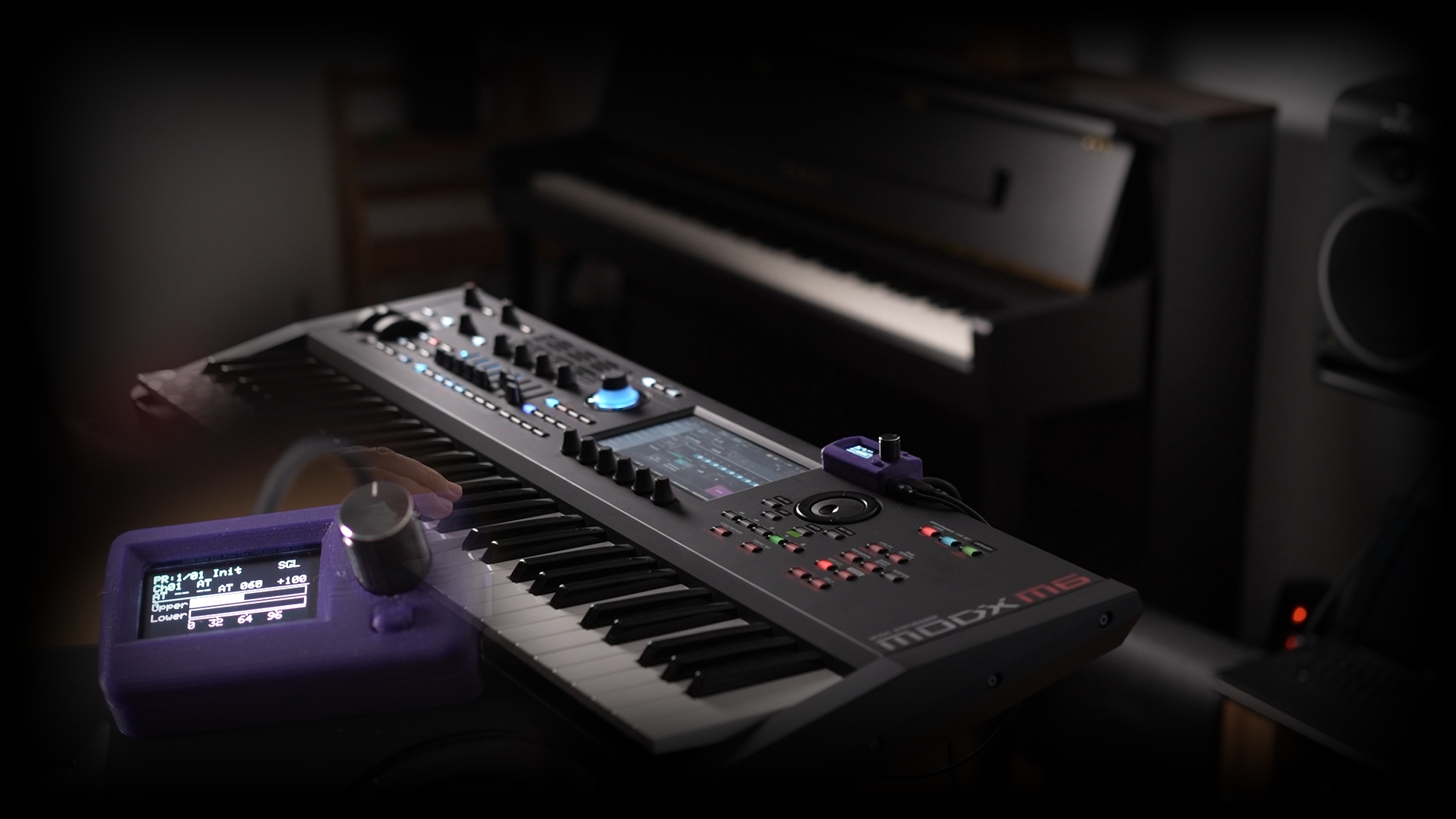
We Always Wanted Aftertouch for Everything!
Yes, I definitely wanted it. AT For all my gear. Really. I never wanted a keyboard without it. Aside of AT, there are many controllers available on the low cost instruments, but all of those have a big problem:
Those controllers want one of your hands!
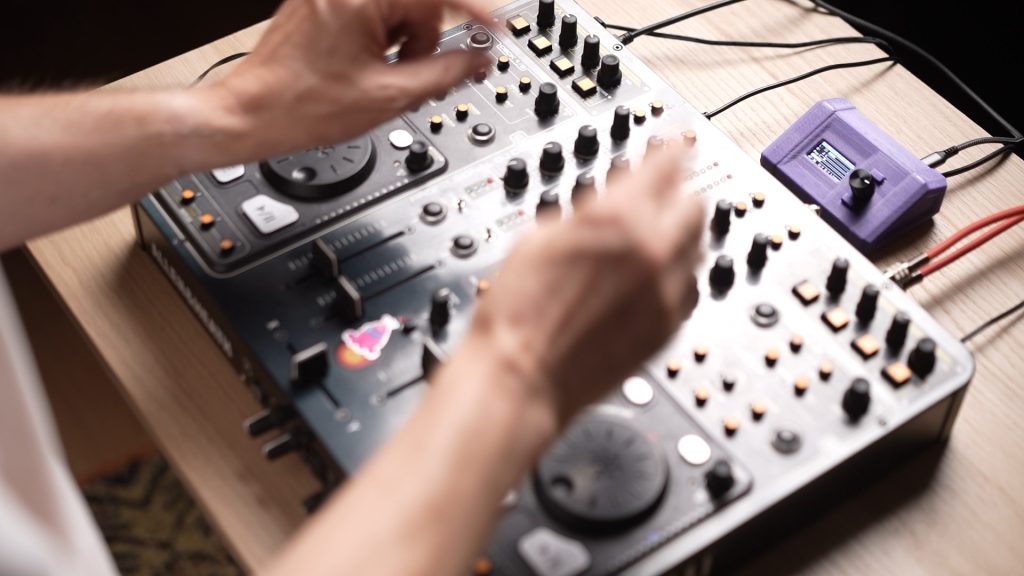
Our EveryMIDI wants your imagination only! Keep playing, mixing with two hands, just add EveryMIDI AT to your existing gear to increase possibilities! Let it be a DJ Mixer, a Stage Piano, a Lighting Controller, a Guitar FX pedal, or virtually anything what can be placed to a flat surface or a stand.
Monophonic and Polyphonic Aftertouch modes
EveryMIDI AT can calculate polyphonic AT data from its dual input sensors in order to separate your solo from your left hand playing
Dual sensors – Split Aftertouch modes
In Split mode EveryMIDI AT can double the data sent out; it can transmit two independent MIDI messages for both the Lower and Upper part of the instrument.
Vector Aftertouch – Modulation mode
This mode turns your gear into a two-axis expression controller. By default Left-Right axis sends Pitch Bend data, while Z axis (pressing both sides together) sends Modulation controller data
You have a Stage Piano, DJ Mixer, Lighting Controller? No problem!
You can put the sensors under your gear, connect the interface to MIDI and you’re ready to go!
Control Anything
- Control an external or internal effect while you’re mixing, just by pressure
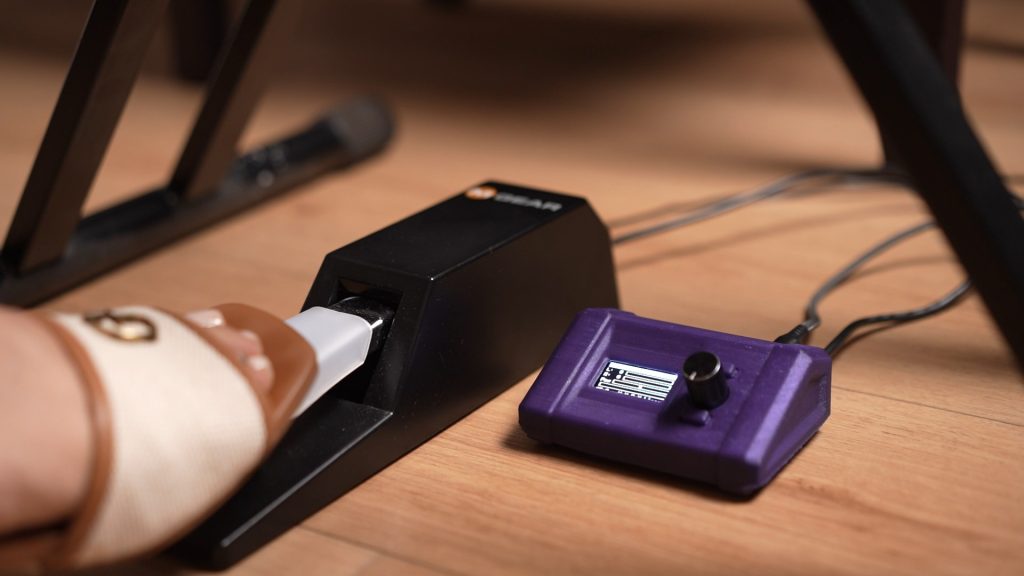
Set Sensitivity to what works for You
- Put the sensors under your pedals, so you gain a secondary function.
- Set sensitivity zero value to the state when the pedal is already pressed down
- For example: Add extra reverb to a sustained piano chord by pressing the pedal deeper
- Add extra expression to your guitar FX pedal
Back our Campaign! Get Yours Now!